Make your site visible to ChatGPT, Claude and Perplexity
See your site the way AI crawlers do: which of 21 bots are let in, what they can read, and the exact fix for every lost point. Free, in seconds.
Checks 20+ AI & search crawlers · No signup required for your first audit
AI Visibility Score
Checks the crawlers behind
- OpenAI
- Anthropic
- Perplexity
- Microsoft
- Common Crawl
- Apple
- Meta
- ByteDance
- Amazon
- You.com
- Diffbot
- DuckDuckGo
- Webz.io
- AI & search crawlers checked
- 21AI & search crawlers checked
- crawler operators covered
- 14crawler operators covered
- scored readiness categories
- 9scored readiness categories
- point score, every point explained
- 100point score, every point explained
Three ways AI loses sight of your site
None of them shows up in your browser. All three show up in an audit, with the fix.
Blocked at the edge
A CDN or firewall answers AI crawlers with a 403 or a CAPTCHA before your robots.txt is ever read.
How to fix it 02Disallowed in robots.txt
One copied “block AI bots” rule, or a CDN-managed file, quietly opts you out of AI search.
How to fix it 03Empty without JavaScript
Most AI crawlers don't run JavaScript. A client-rendered page reaches them as an empty shell.
How to fix itEverything an AI visibility audit should cover
One scan, the full picture — from crawler access to citation readiness.
AI bot access audit
See exactly which of 20+ AI crawlers your robots.txt allows or blocks — and why it matters.
llms.txt readiness
Check whether you guide AI assistants — and get a ready-to-ship llms.txt if you don't have one.
robots.txt analysis
Parse your directives like a real crawler, surface conflicts, and align meta-robots with HTTP headers.
Structured data & schema
Detect JSON-LD types you have and the high-value schema you're missing, with generated snippets.
Content accessibility
Find out if your content renders without JavaScript — the way most AI crawlers read it.
GEO / AEO readiness
Measure how citation-friendly your content is for generative answer engines — and on paid plans, get targeted fixes for each gap we find.
Actionable fixes
Every issue comes with a prioritized fix and copy-paste code, not just a red flag.
Competitor benchmarks
On paid plans, line your score up against your rivals' — overall and category by category — so you can see exactly where you're behind.
Report export
Download a polished PDF, a spreadsheet-ready CSV, or raw JSON to share with engineering, marketing, or your CMS.
Workspace audit log
On Business and above, see who did what in your workspace — invitations, keys, domains and plan changes — filterable and exportable.
Three steps from URL to AI visibility score
No agent install, no SDK, no waiting in a queue. Paste a URL — we do the rest.
- 01
Enter your URL
Paste any domain. We normalize it, resolve DNS safely, and fetch your homepage.
- 02
We simulate AI crawlers
robots.txt, llms.txt, sitemap, headers, structured data, and content — analyzed in seconds.
- 03
Get your score & fixes
A 0–100 AI Visibility Score with prioritized, paste-ready recommendations.
Premium reports, ready to share with your team
Every audit returns a 0–100 score, per-crawler breakdown, findings, prioritized fixes, and ready-to-paste snippets.
AI Visibility Score
Average — Needs Optimization
Top findings
4 total- Critical1 high-value AI crawler(s) are blockedBlocked: GPTBot. These power AI search and citations.
- WarningNo llms.txt foundAn llms.txt gives AI assistants a curated map of your site and citation guidance.
- WarningMissing schema: WebSite, WebPage, BreadcrumbListSchema.org markup helps AI engines understand entities and trust your content.
Top fixes
4 total- criticalUnblock high-value AI crawlerseasy
Your robots.txt blocks GPTBot. Unless this is intentional, allow them.
- mediumPublish an llms.txteasy
Add this file at /llms.txt to guide AI assistants to your best content.
Sample data from /sample — try a real domain to get your own.
Know which AI bots read your WordPress site
AI Visibility Optimizer brings the audit into wp-admin. No account, no frontend scripts, and nothing sent to us unless you connect an account.
- See which AI crawlers actually visit, with Verified / Likely / Unverified labels
- Allow or disallow each crawler, merged safely with your SEO plugin's robots.txt
- llms.txt, schema and an AI score for every post, without leaving wp-admin
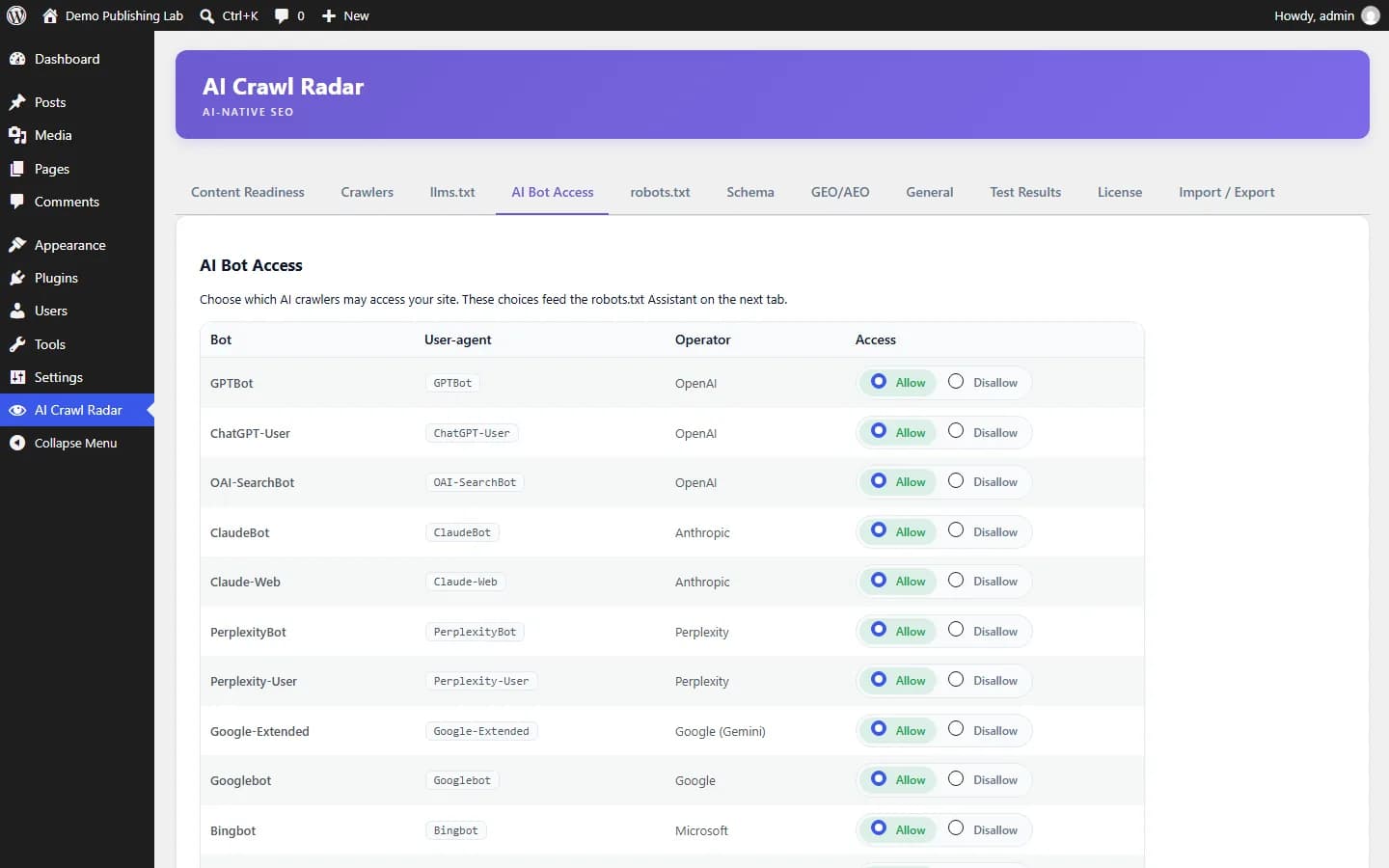
We check the crawlers that decide AI visibility
Grouped by provider, every major AI assistant, AI search engine and training crawler — checked against your robots.txt and headers.
- GPTBot
- ChatGPT-User
- OAI-SearchBot
- ClaudeBot
- Claude-Web
- Google-Extended
- Googlebot
- PerplexityBot
- Perplexity-User
- Bingbot
- Meta-ExternalAgent
- FacebookBot
- CCBot
- Applebot
- Applebot-Extended
- Bytespider
- Amazonbot
- DuckAssistBot
- YouBot
- Diffbot
- Omgilibot
21 crawlers across 14 providers — checked on every audit.
Fix it yourself, step by step
Every finding in the report links to a guide like these.
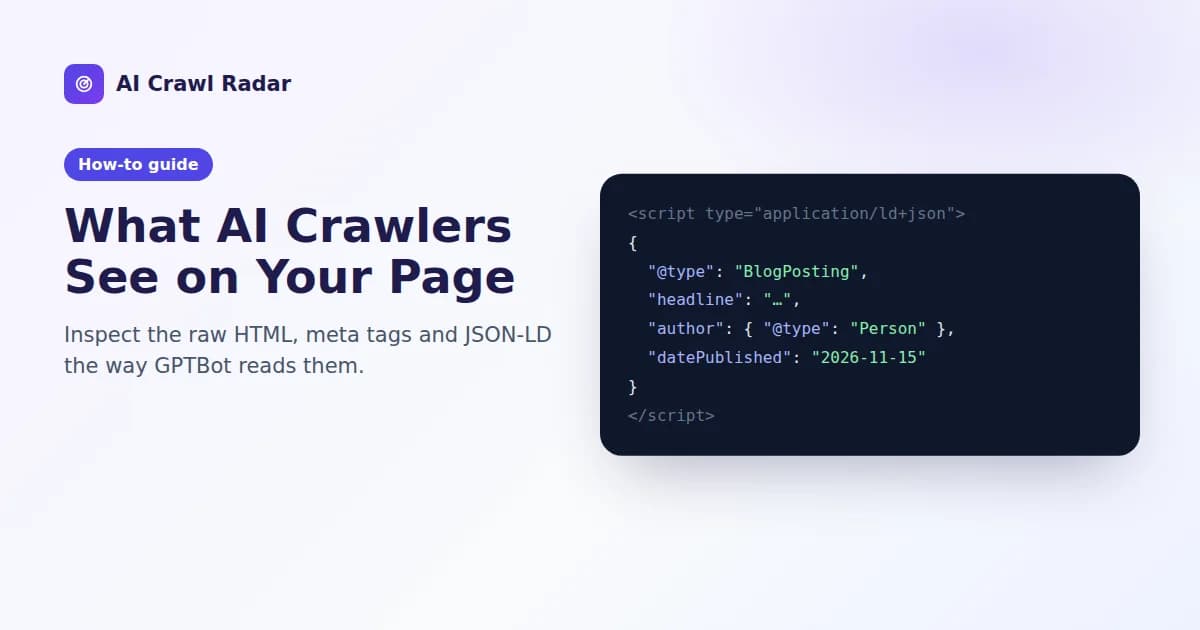
What AI Crawlers See on Your Page: Inspect the Raw HTML and JSON-LD
Most AI crawlers read one HTTP response and never run your JavaScript. Here is how to see that response for yourself, and what to fix in it.
Read guide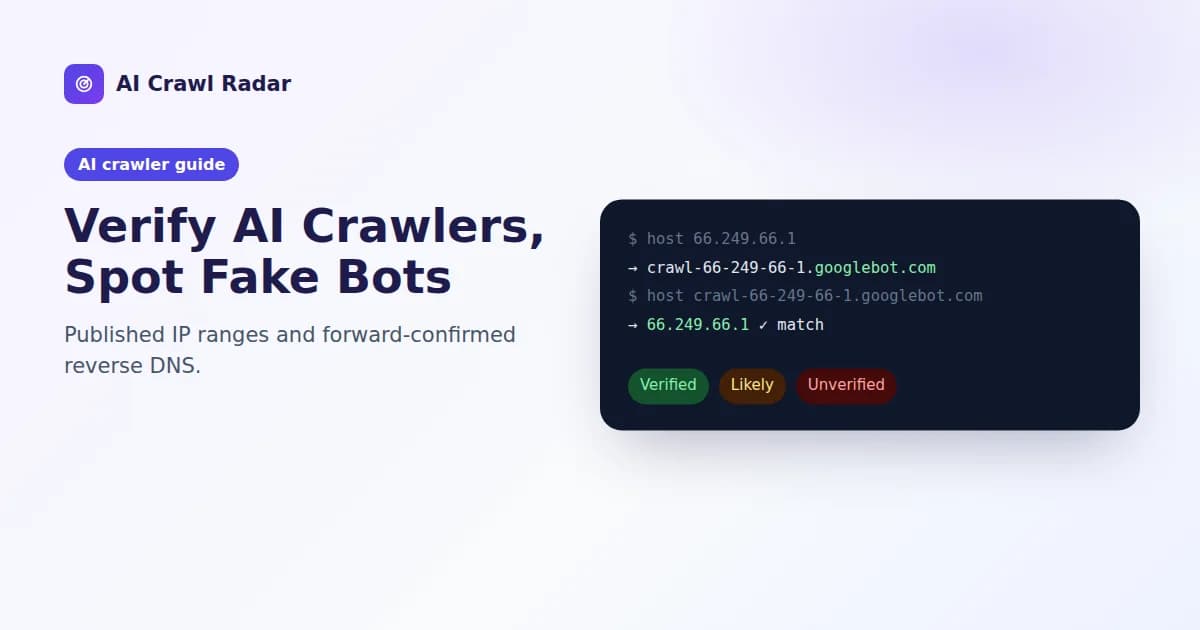
How to Verify AI Crawlers and Spot Fake GPTBot Traffic
A user agent is just text anyone can send. Prove a crawler is real with published IP ranges and forward-confirmed reverse DNS.
Read guide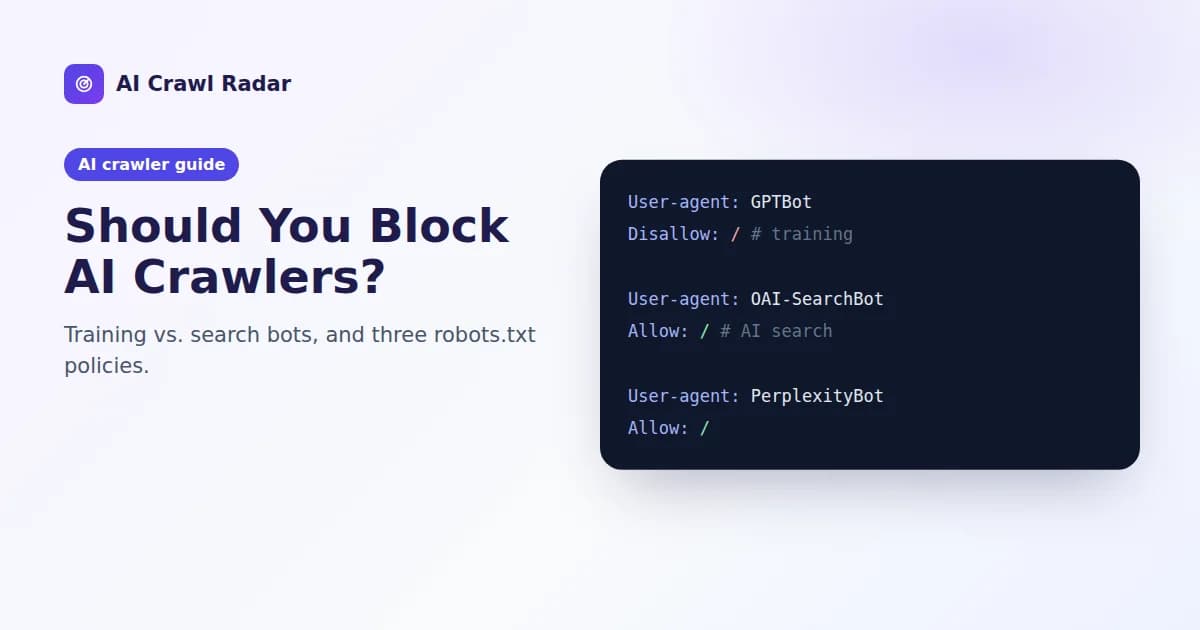
Should You Block AI Crawlers? Training vs. Search Bots Explained
Block training if you want to, keep AI search open. Three robots.txt policies, what each costs you, and how they affect your score.
Read guideFAQ
Frequently asked questions
The most common questions teams ask before running their first audit.
Browse all questionsWhat is AI visibility?
Do I need a llms.txt file?
Will blocking GPTBot hurt my SEO?
Is my data stored?
Get started in seconds
Find out if AI can see your website — in under a minute
Free, instant, no signup required for your first audit.
See a sample report